Data Display Components
4 components for displaying rich content, comparisons, processes, and trust signals
TextContent (Centered)
Rich text section with centered layout
Pioneering Solar-Powered Security
SCT+ combines cutting-edge AI detection with sustainable solar power technology. Our cameras operate 24/7 without grid connection, providing intelligent surveillance wherever you need it most.
TextContent (Image Right)
Two-column layout with image on the right
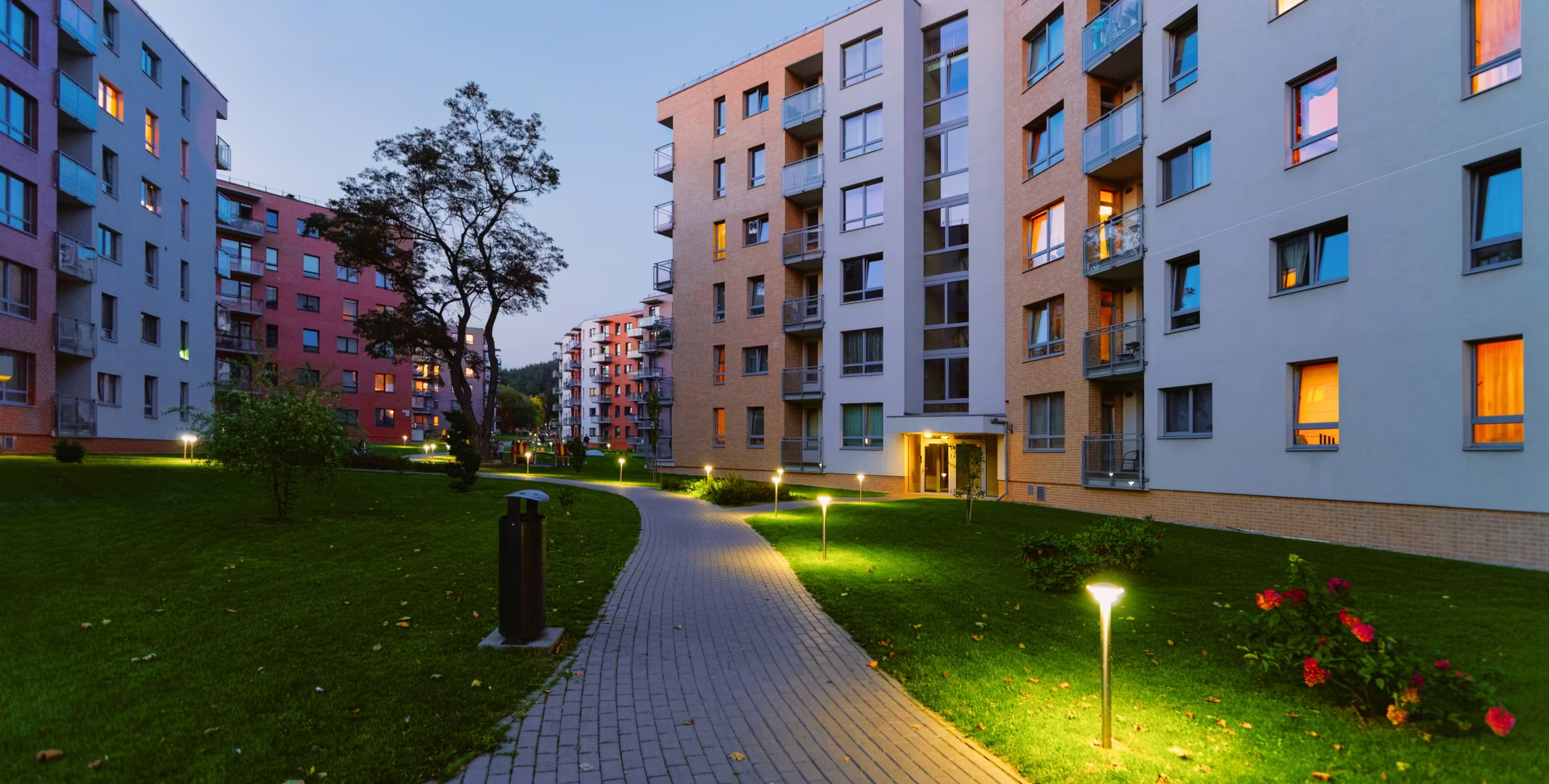
Security Without Boundaries
Traditional security cameras are limited by power infrastructure and network connectivity. SCT+ breaks these barriers with self-sustaining units that work anywhere.
From remote construction sites to sprawling parking lots, our cameras deliver enterprise-grade surveillance without the enterprise-grade complexity.
TextContent (Image Left)
Two-column layout with image on the left
AI-Powered Detection
Our proprietary neural network distinguishes between humans, vehicles, and animals with 99.7% accuracy. Real threats trigger instant alerts while false positives are virtually eliminated.
ProcessSteps (Horizontal)
WATCH WARN RESPOND process flow
How SCT+ Protects Your Property
Our three-phase approach ensures comprehensive security coverage
WATCH
AI-powered cameras continuously monitor your property, detecting potential threats before they escalate.
WARN
Built-in speakers deliver real-time audio warnings to deter intruders and prevent incidents.
RESPOND
Our monitoring team coordinates with local authorities for rapid response when needed.
ProcessSteps (Vertical)
Installation timeline process
Getting Started
Deploy SCT+ cameras in just four simple steps
Site Assessment
Our team evaluates your property to determine optimal camera placement for maximum coverage.
System Design
We create a customized security plan based on your specific needs and site requirements.
Professional Installation
Certified technicians install and configure your cameras with zero disruption to operations.
Active Monitoring
Your property is now protected 24/7 with live monitoring and instant alert capabilities.
ComparisonTable
Feature comparison between solutions
Why Choose SCT+?
See how we compare to traditional security solutions
| Feature | Traditional CCTV | SCT+Recommended | Basic Solar Camera |
|---|---|---|---|
| Power Source | Grid Required | Solar (Off-Grid) | Solar (Limited) |
| AI Detection | |||
| Live Monitoring | Extra Cost | ||
| Audio Deterrent | |||
| Quick Deploy | |||
| No Infrastructure | |||
| 24/7 Support | Limited |
TrustBar (Light)
Certifications and compliance badges
Trusted by industry leaders
TrustBar (Dark)
Technology and feature badges
Powered by cutting-edge technology
Component Usage
TextContent
Rich text section with optional image. Supports centered and default variants.
<TextContent
  eyebrow="Section Label"
  heading="Main Heading"
  content="Description text or JSX content"
  image={{ src: '/path/to/image.jpg', alt: 'Description', position: 'right' }}
  cta={{ text: 'Action', href: '/link' }}
  variant="default" // default | centered
/>
ProcessSteps
Step-by-step process visualization. Use horizontal for 3 steps, vertical for 4+.
<ProcessSteps
  title="Process Title"
  subtitle="Process description"
  steps={[
    { icon: <Icon />, title: 'Step 1', description: 'Description' },
    { number: 2, title: 'Step 2', description: 'Description' },
  ]}
  variant="horizontal" // horizontal | vertical
/>
ComparisonTable
Feature comparison table. Highlight column for the recommended option.
<ComparisonTable
  title="Comparison Title"
  columns={[
    { label: 'Option A' },
    { label: 'Option B', highlight: true },
  ]}
  rows={[
    { feature: 'Feature 1', values: [true, true] },
    { feature: 'Feature 2', values: ['Basic', 'Advanced'] },
  ]}
/>
TrustBar
Trust signals bar with icons or images. Light and dark variants.
<TrustBar
  title="Trust badges label"
  items={[
    { icon: <Icon />, label: 'Badge 1' },
    { image: { src: '/logo.png', alt: 'Cert' }, label: 'Badge 2' },
  ]}
  variant="light" // light | dark
/>